Ensembles
Eclectic collection of 12 new works from alternative composer Craig Pallett. Featuring 27 musicians from New York City, Los Angeles, Vermont and Sydney Australia. A soulful celebration of the wheel of life.
Credits
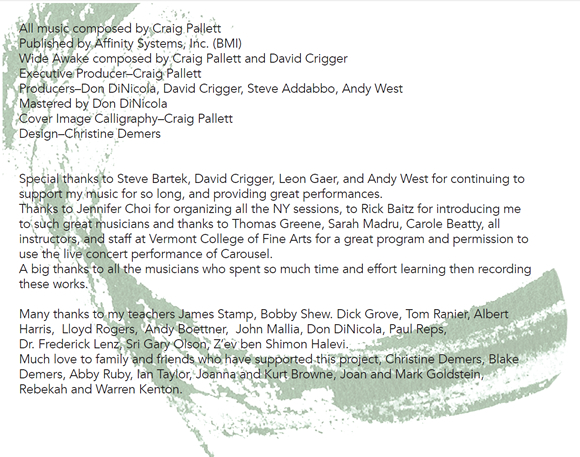
All music composed by Craig Pallett
Wide Awake composed by Craig Pallett and David Crigger
All music published by Affinity Systems, Inc. (BMI)
Executive Producer – Craig Pallett
Producers – Don DiNicola, David Crigger, Steve Addabbo, Andy West.
Mastered by Don DiNicola
Steve Bartek – Guitars
David Crigger – Drums, Percussion, Electronics
Andy West – Bass
Jennifer Choi – Violin
Jay Anderson – Acoustic Bass
Fung Chern Hwei – Violin
Leon Gaer – Bass
Mary Rowell – Violin
Stephen Gosling – Acoustic Piano
David Cossin – Marimba, Drums, Shakers
Lev ‘Ljova’ Zhurbin – Viola
Wendy Law – Cello
Ken Thomson – Soprano Sax
Alan Kaplan – Trombone
Yves Dharamraj – Cello
Peter Hess – Alto Sax
Katie Kresek – Viola
Steve Kaplan – Acoustic Piano
Alex Hamlin – Baritone Sax
Ronnie Gutierrez – Hand Drums, Percussion
Ed RosenBerg III – Tenor Sax
Craig Pallett – Trumpet, Keyboards, Electronics
Don DiNicola – Production / Mixing
Steve Addabbo – Engineering / Mixing
David Crigger – Engineering / Mixing
Andy West – Mixing
Reed Robins – Engineering
Colin J. McCaffrey – Engineering
Keith Rigling – Engineering
Carlos Flood – Engineering
Christopher Bartek – Engineering
Robert Cooper – Engineering associate
Craig Pallett – Cover Image Calligraphy
Chris Demers – Design and Packaging
Studios
Shelter Island Sound, New York, NY
Dubway Studios, New York, NY
Henry Rutgers Studios, New York, NY
MacIntyre Music Recording, New York, NY
Affinity Studios, Vermont
Carousel – Recorded live February 11, 2015 at Vermont College of Fine Arts
Track Credits
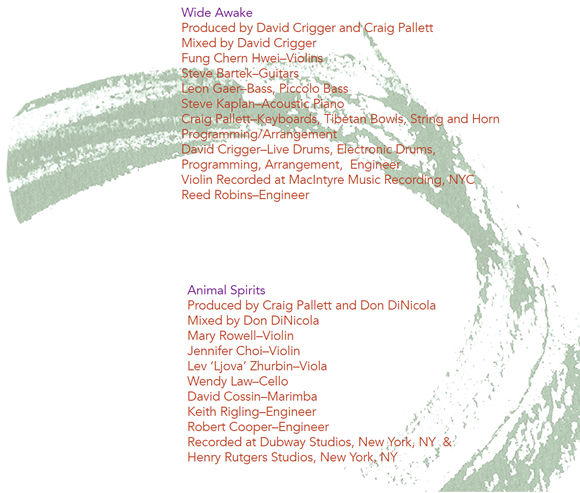
Animal Spirits
Produced by Craig Pallett and Don DiNicola
Mixed by Don DiNicola
Mary Rowell–Violin
Jennifer Choi–Violin
Lev ‘Ljova’ Zhurbin–Viola
Wendy Law–Cello
David Cossin–Marimba
Keith Rigling–Engineer
Robert Cooper–Engineer
Recorded at Dubway Studios, New York, NY
Henry Rutgers Studios, New York, NY
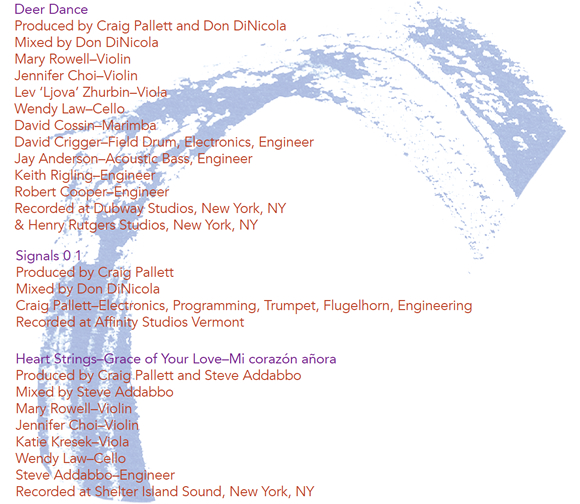
Deer Dance
Produced by Craig Pallett and Don DiNicola
Mixed by Don DiNicola
Mary Rowell–Violin
Jennifer Choi–Violin
Lev ‘Ljova’ Zhurbin–Viola
Wendy Law–Cello
David Cossin–Marimba
David Crigger–Field Drum, Electronics, Engineer
Jay Anderson–Acoustic Bass, Engineer
Keith Rigling–Engineer
Robert Cooper–Engineer
Recorded at Dubway Studios, New York, NY
Henry Rutgers Studios, New York, NY
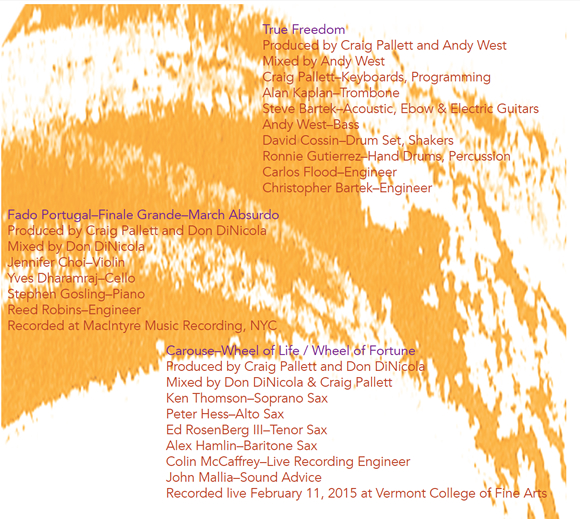
True Freedom
Produced by Craig Pallett and Andy West
Mixed by Andy West
Craig Pallett–Keyboards, Programming
Alan Kaplan–Trombone
Steve Bartek–Acoustic, Ebow & Electric Guitars
Andy West–Bass
David Cossin–Drum Set, Shakers
Ronnie Gutierrez–Hand Drums, Percussion
Carlos Flood–Engineer
Christopher Bartek–Engineer
Heart Strings
Produced by Craig Pallett and Steve Addabbo
Mixed by Steve Addabbo
Mary Rowell–Violin
Jennifer Choi–Violin
Katie Kresek–Viola
Wendy Law–Cello
Steve Addabbo–Engineer
Recorded at Shelter Island Sound, New York, NY
Wide Awake
Produced by David Crigger and Craig Pallett
Mixed by David Crigger
Fung Chern Hwei–Violins
Steve Bartek–Guitars
Leon Gaer–Bass, Piccolo Bass
Steve Kaplan–Acoustic Piano
Craig Pallett–Keyboards, Tibetan Bowls, String and Horn Programming/Arrangement
David Crigger–Live Drums, Electronic Drums, Programming, Arrangement, Engineer
Violin Recorded at MacIntyre Music Recording, NYC
Reed Robins–Engineer
Fado Portugal
Produced by Craig Pallett and Don DiNicola
Mixed by Don DiNicola
Jennifer Choi–Violin
Yves Dharamraj–Cello
Stephen Gosling–Piano
Reed Robins–Engineer
Recorded at MacIntyre Music Recording, NYC
Carousel – Wheel of Life / Wheel of Fortune
Produced by Craig Pallett and Don DiNicola
Mixed by Don DiNicola & Craig Pallett
Ken Thomson–Soprano Sax
Peter Hess–Alto Sax
Ed RosenBerg III–Tenor Sax
Alex Hamlin–Baritone Sax
Colin McCaffrey–Live Recording Engineer
John Mallia–Sound Advice
Recorded live February 11, 2015 at Vermont College of Fine Arts
Grace of Your Love
Produced by Craig Pallett and Steve Addabbo
Mixed by Steve Addabbo
Mary Rowell–Violin
Jennifer Choi–Violin
Katie Kresek–Viola
Wendy Law–Cello
Steve Addabbo–Engineer
Recorded at Shelter Island Sound, New York, NY
March Absurdo
Produced by Craig Pallett and Don DiNicola
Mixed by Don DiNicola
Jennifer Choi–Violin
Yves Dharamraj–Cello
Stephen Gosling–Piano
Reed Robins–Engineer
Recorded at MacIntyre Music Recording, NYC
Signals 0 1
Produced by Craig Pallett
Mixed by Don DiNicola
Craig Pallett–Electronics, Programming, Trumpet, Flugelhorn, Engineering
Recorded at Affinity Studios Vermont
Finale Grande
Produced by Craig Pallett and Don DiNicola
Mixed by Don DiNicola
Jennifer Choi–Violin
Yves Dharamraj–Cello
Stephen Gosling–Piano
Reed Robins–Engineer
Recorded at MacIntyre Music Recording, NYC
Mi corazón añora
Produced by Craig Pallett and Steve Addabbo
Mixed by Steve Addabbo
Mary Rowell–Violin
Jennifer Choi–Violin
Katie Kresek–Viola
Wendy Law–Cello
Steve Addabbo–Engineer
Recorded at Shelter Island Sound, New York, NY


 Affinity Systems, Inc. launched a new updated site for